

by Tricia
I’m always on the lookout for gifts that can teach my son about money management. A while back I bought him a kids piggy bank designed to instill positive financial habits. I know some of you thought it was pretty neat, so I went searching for similar kids piggy banks you can give to the children in your life. Here are the best options I found for different age groups.
What Is the Best Kids Piggy Bank?
The best kids piggy bank varies depending upon the personality and age of the child you’re shopping for. Some kids are natural savers and may like a plain, transparent coin bank that allows them to visually track their financial progress. However, other children might feel more motivated to save money in a fun kids piggy bank with a unique design, such as an animal, a letter shape or a shape of their favorite toy – like Lego or a Disney character.
If you’re shopping for a tech-savvy tween or teenager, they’ll appreciate an electronic piggy bank with features like an LCD screen and balance counter. Check out our top product picks below.
Best Kids Piggy Banks: 10 and Under
Maxwill Bank Blocks
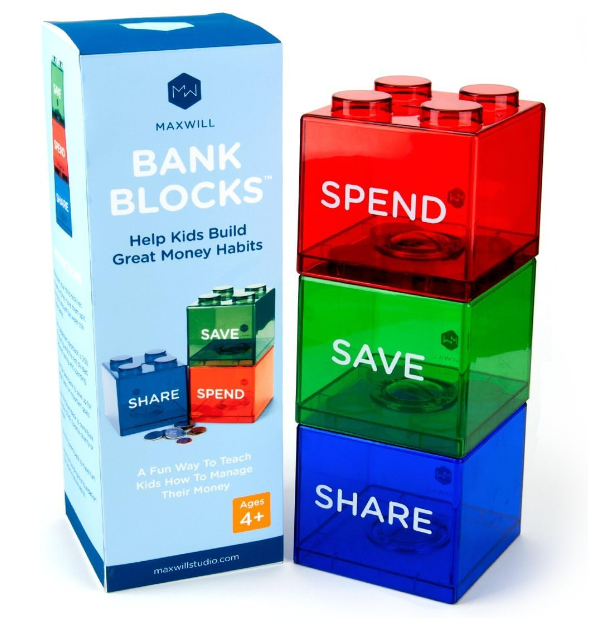
This bank has three sections to help children learn to budget their money – save, spend, and share for charitable donations. The colorful plastic compartments are shaped like Lego blocks and stack on top of each other for easy storage. Customers appreciate that the bank is transparent, allowing kids to see their savings grow. You can find it here on Amazon.
Moonjar Classic Moneybox
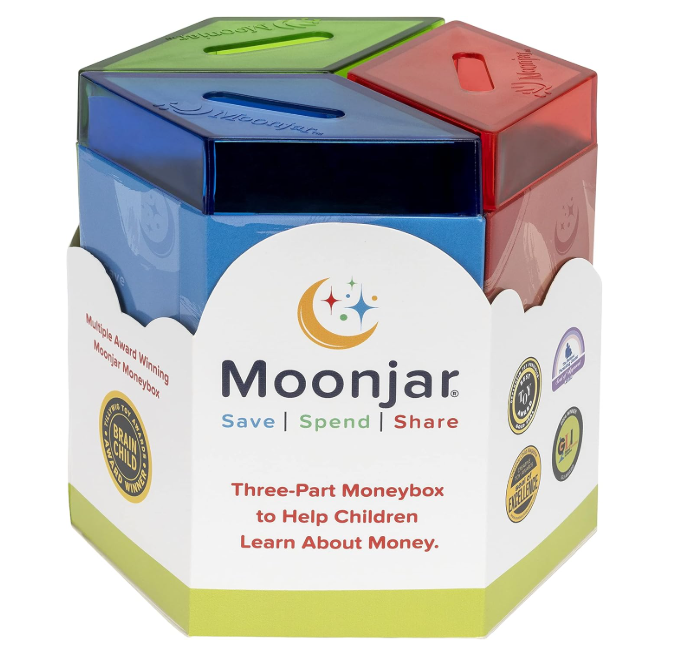
Some children may prefer this opaque money box because it provides financial privacy from siblings. It’s made of tin and has three hexagon-shaped compartments for saving, giving, and spending. It comes with a small passbook to discreetly track deposited funds, plus an acrylic band to hold the canisters together if desired. This product is a hit with kids and parents alike, earning an average of 4.7 stars on Amazon with over 2,400 reviews. You can get it on Amazon for $19.99.
Large Wooden Piggy Bank
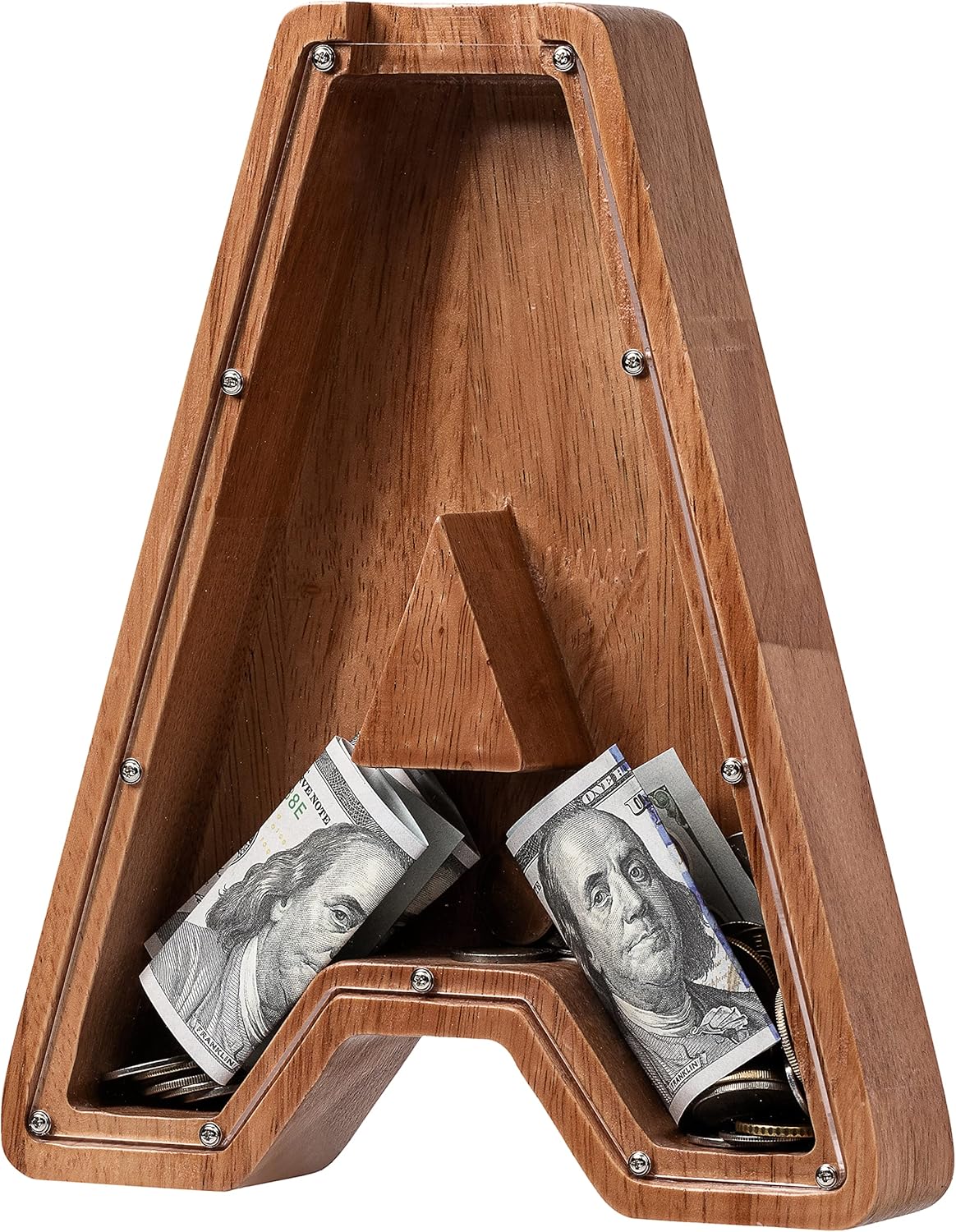
Studies have shown that kids form a stronger attachment to customized kids piggy banks, which makes them feel more motivated to save. This letter-shaped piggy bank by Ladenk comes in initials from A to Z to match your child’s name. For a small fee, you can even get it engraved with a special message fee to personalize it further.
The wooden bank features a clear plastic cover and comes in two large sizes (9” or 12”), providing plenty of room for bills and coins. One happy customer said this kids piggy bank is “well-built” and “has been dropped several times already and is still going strong.”
Amazon has it for $22.99. You can also get less expensive versions at Walmart, here.
Money Savvy Cow
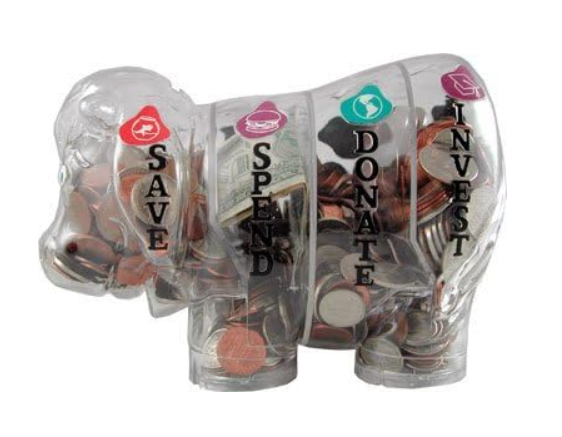
Moolah the cow-shaped bank is made by the same creators as the pig above. It also has four labeled compartments (save, spend, donate, and invest) that empty individually for convenience. Moolah is award-winning and has a 4.8-star rating on Amazon. A satisfied customer said that it’s a “great learning tool and fun for kids” and plans to buy two more.
Money Savvy Pig

This kids piggy bank from Money Savvy Generation is the one that my son has. I bought it for him because it has an investing section, which is helping me teach him about the stock market and the power of compound interest. It also has saving, spending, and giving sections to show kids how to create a balanced budget. I also appreciate that it’s made of durable plastic and comes in a fun selection of colors, including pink, blue, and green.
You can get it on Amazon.com for $27.99, here.
Electronic Kids Piggy Banks for Tweens and Teens
The piggy bank above are better for younger kids. But, children’s math and other cognitive developmental skills progress as they grow, so for children in their tweens, you’ll want piggy banks that are a bit more engaging. Here are three that should do pretty well.
Faux ATM Piggy Bank
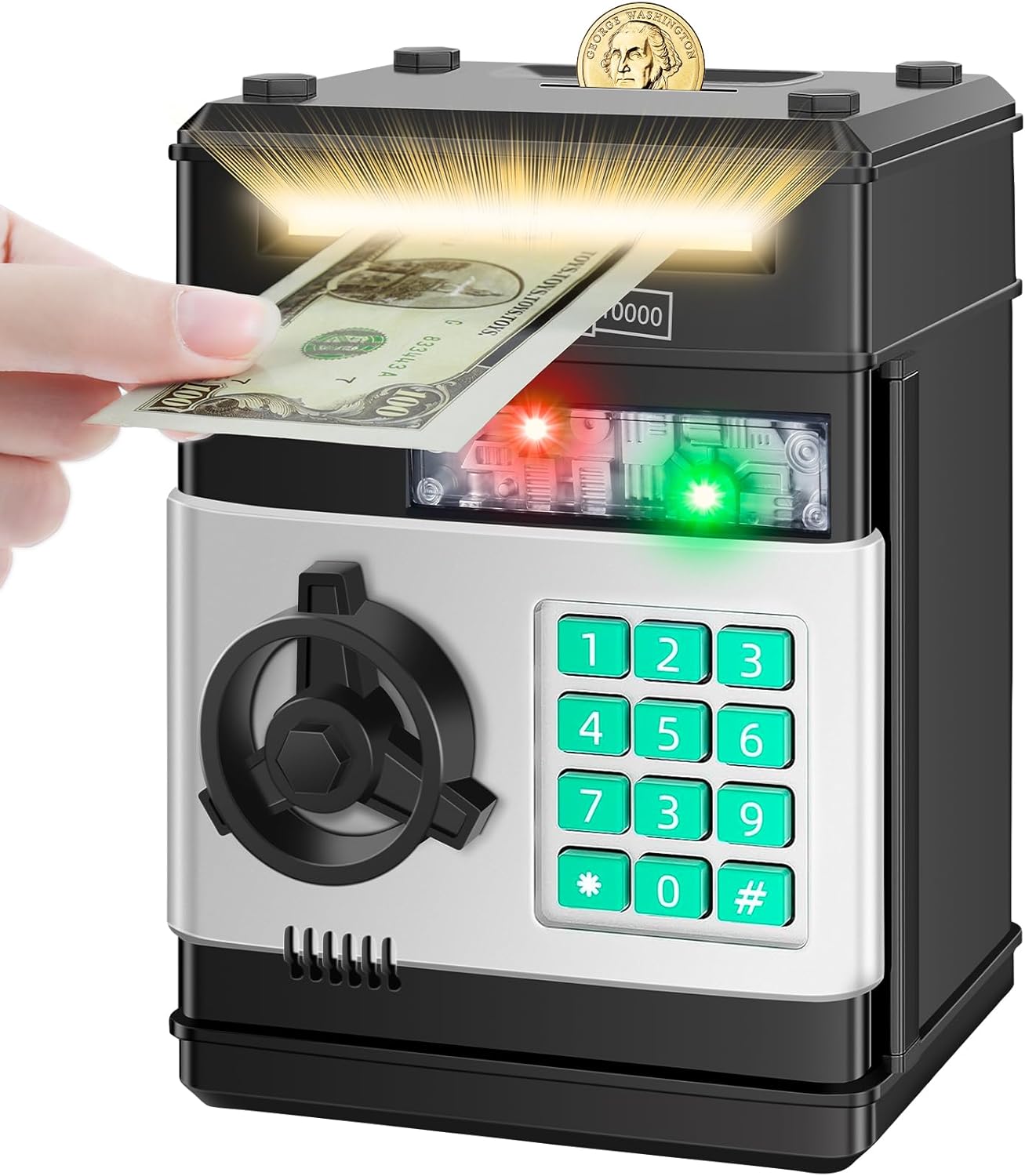
This faux ATM has a money slot that makes depositing savings more fun. Kids can use the keypad to set a four-digit passcode and keep their cash secure. It can even hold other valuables such as baseball cards and jewelry. It sells for about $24.98 on Amazon.
Digital Coin Jar
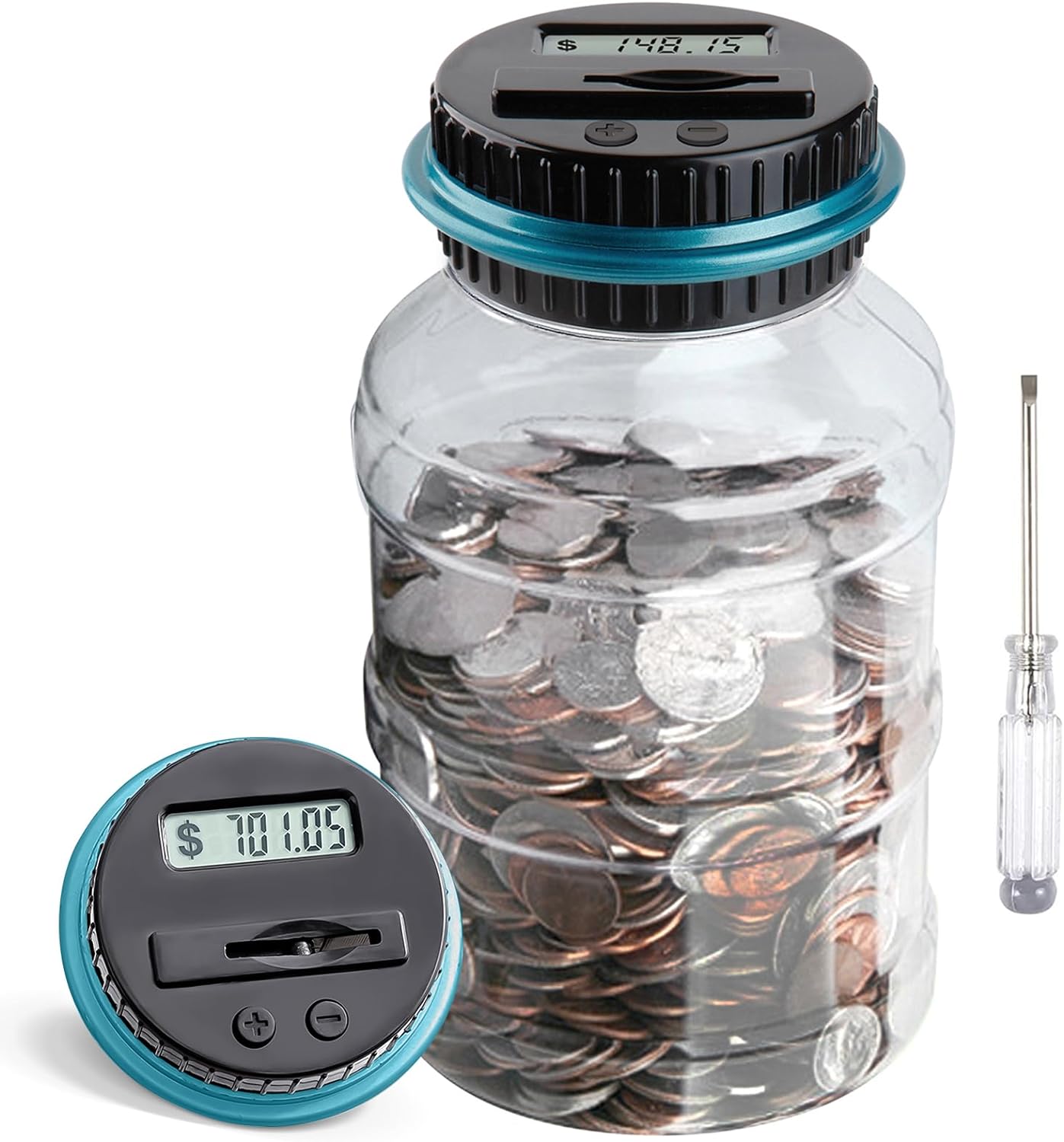
Tech-savvy teens will appreciate this digital coin jar, which has an LCD display and built-in counter. It automatically detects coins as you drop them inside and tracks your savings total on the screen. While it may not look like much from the picture, this change jar has over 12,928 reviews on Amazon with a 4.4 star average rating.
It sells for $12.99 on Amazon.
Fingerprint Piggy Bank
If you like high tech piggy banks, this is one you should look at:
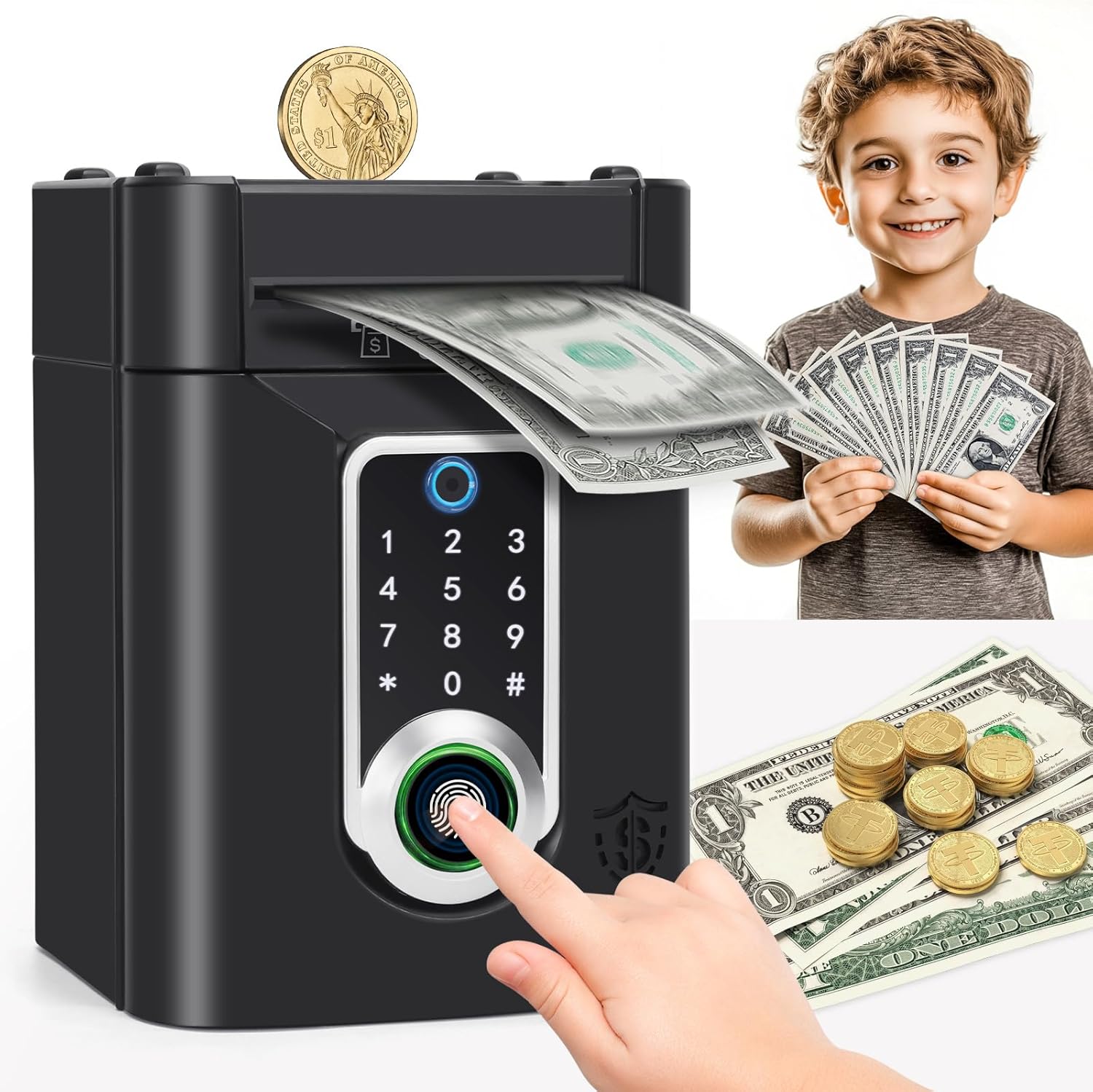
If you’re looking for a sleek, modern piggy bank for a tween or teen, this one fits the bill. Whats great is that this piggy bank is fun and high tech at the same time. It has a touchscreen, a fingerprint smart lock, and a money and coin slot. It comes in your choice of pink or black and even plays music when a deposit is made. This is the piggy bank I plan to upgrade to once my son is a bit older.
This one has a 4.3 star average rating on Amazon with 55 people weighing in. It retails for $19.99.
DIY Kids Piggy Bank
And for those of you on a budget, you don’t have to pay for a piggy bank.
If your child enjoys doing crafts, you can make a simple DIY kids piggy bank out of a mason jar. You can either unscrew the lid when your child wants to make a deposit, or carefully create a money slot in the metal lid using a tool like a mini hacksaw style. To personalize the piggy bank, your child can paint it their favorite color or decorate it with a variety of fun stickers. For added flair, you can tie ribbon around the top or middle of the jar. To help your child track their savings, you can even attach a mini chalkboard to the ribbon using a clothespin.
Making an origami piggy bank is another craft that can get kids involved and interested in saving. The video below by Craft with Sahar will teach you how to turn a simple piece of paper into an animal-shaped mini coin bank. However, it’s important to keep in mind that origami is fragile. Remind your kids to be gentle with their creation so they don’t rip it!


So, what do you think ?